-
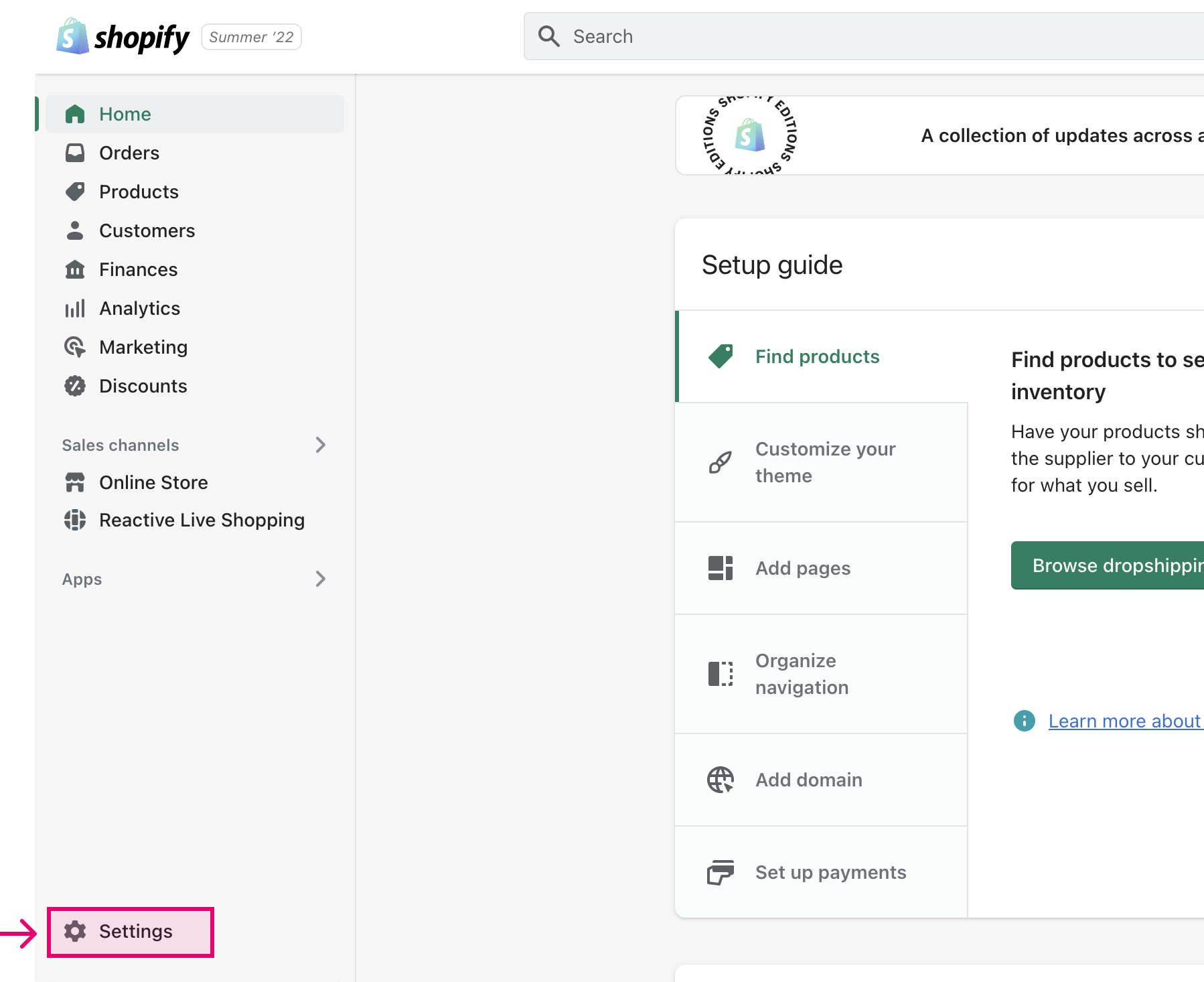
Open the Shopify admin and select "Settings" at the bottom left of the screen
-
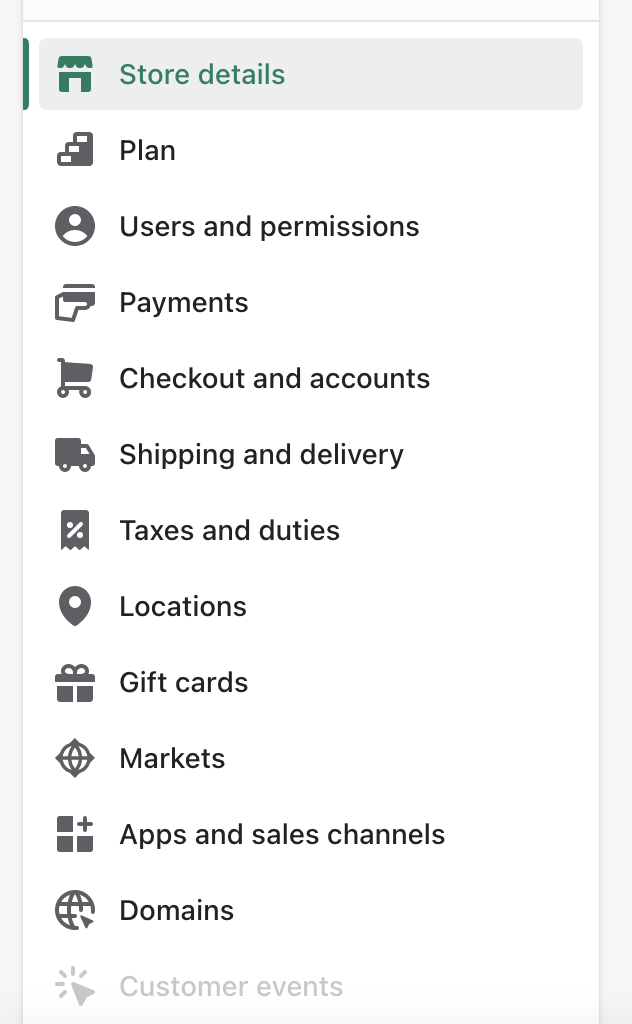
Select Apps and sales channels
-
Select "Live Shopping // Video Replays" sales channel

-
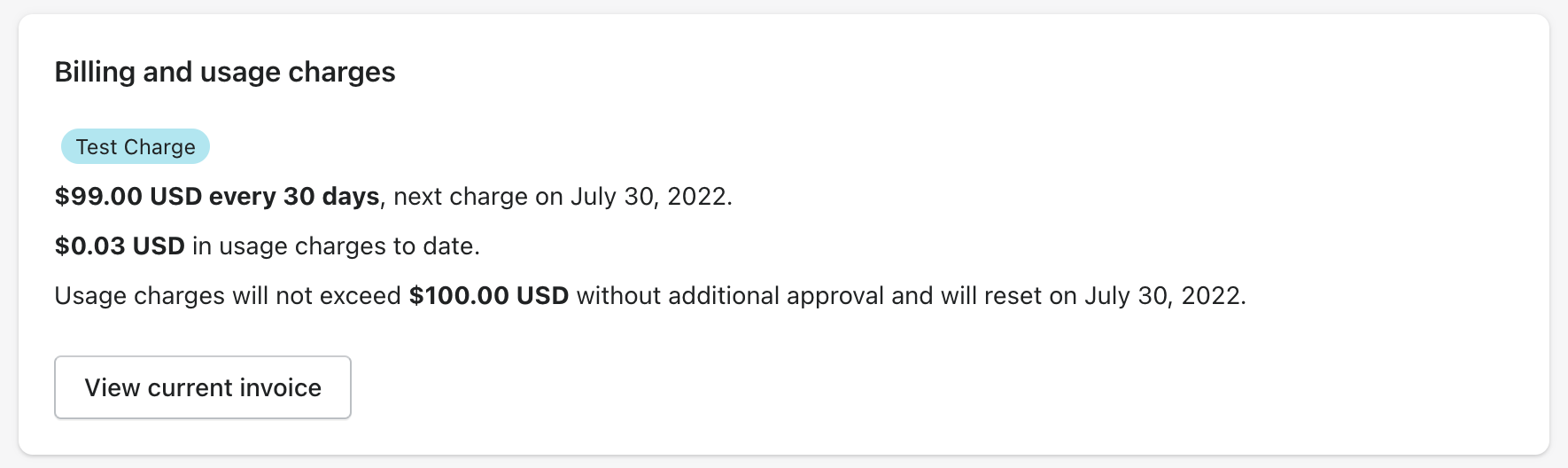
Under Billing and Usage, you can see your usage charges
Back to Support Home
How to View Reactive Usage Charges
Contact
support@reactive.liveOther Resources
Quick Tip Videos